

1. Create a new project
Go to https://dash.deno.com/projects and create a new playground project.2. Edit the handler function
Then paste the following code into the browser editor:3. Add your signing keys
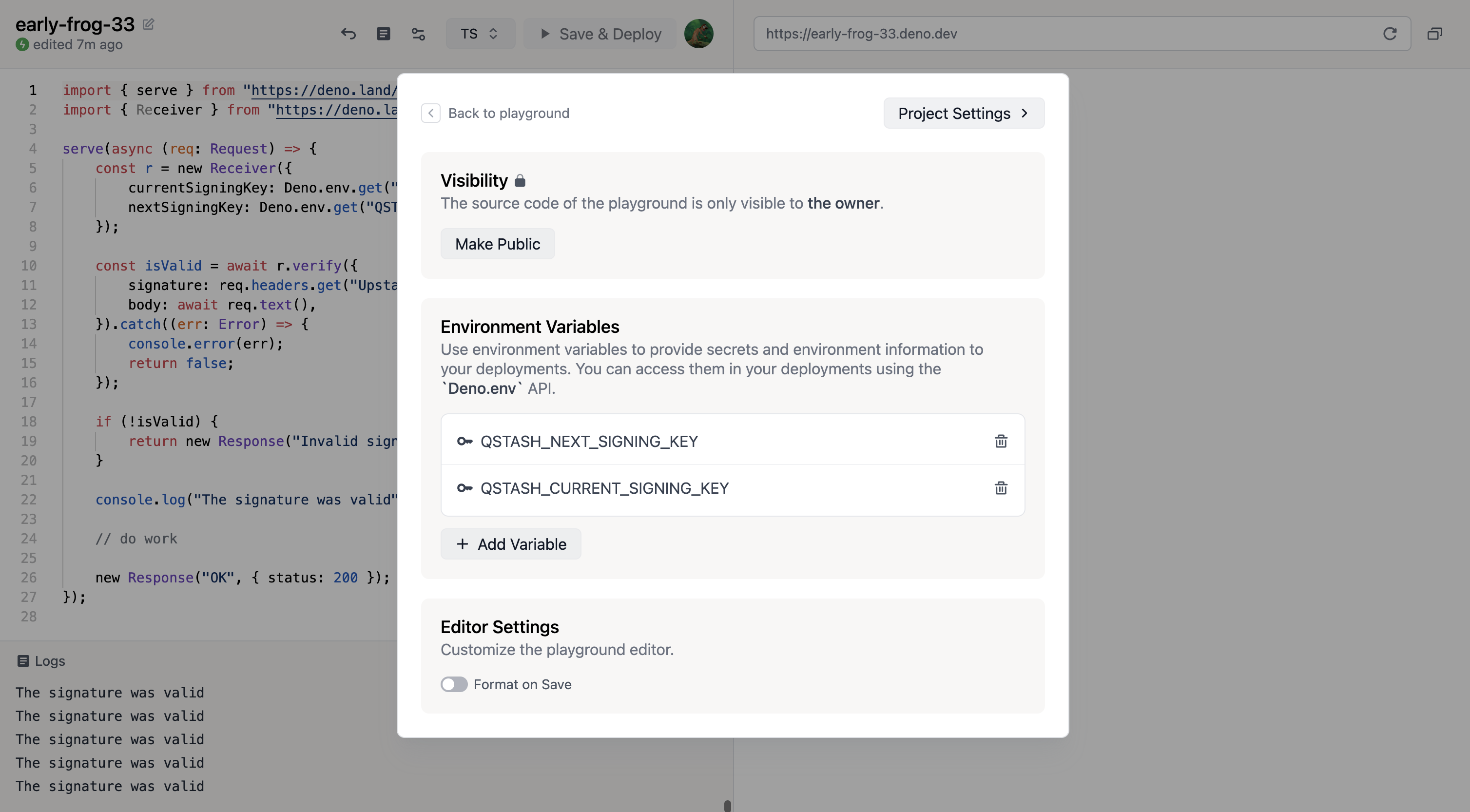
Click on thesettings button at the top of the screen and then click
+ Add Variable
Get your current and next signing key from
Upstash and then set them in deno deploy.
4. Deploy
Simply click onSave & Deploy at the top of the screen.
5. Publish a message
Make note of the url displayed in the top right. This is the public url of your project.start time: 2.21 ms